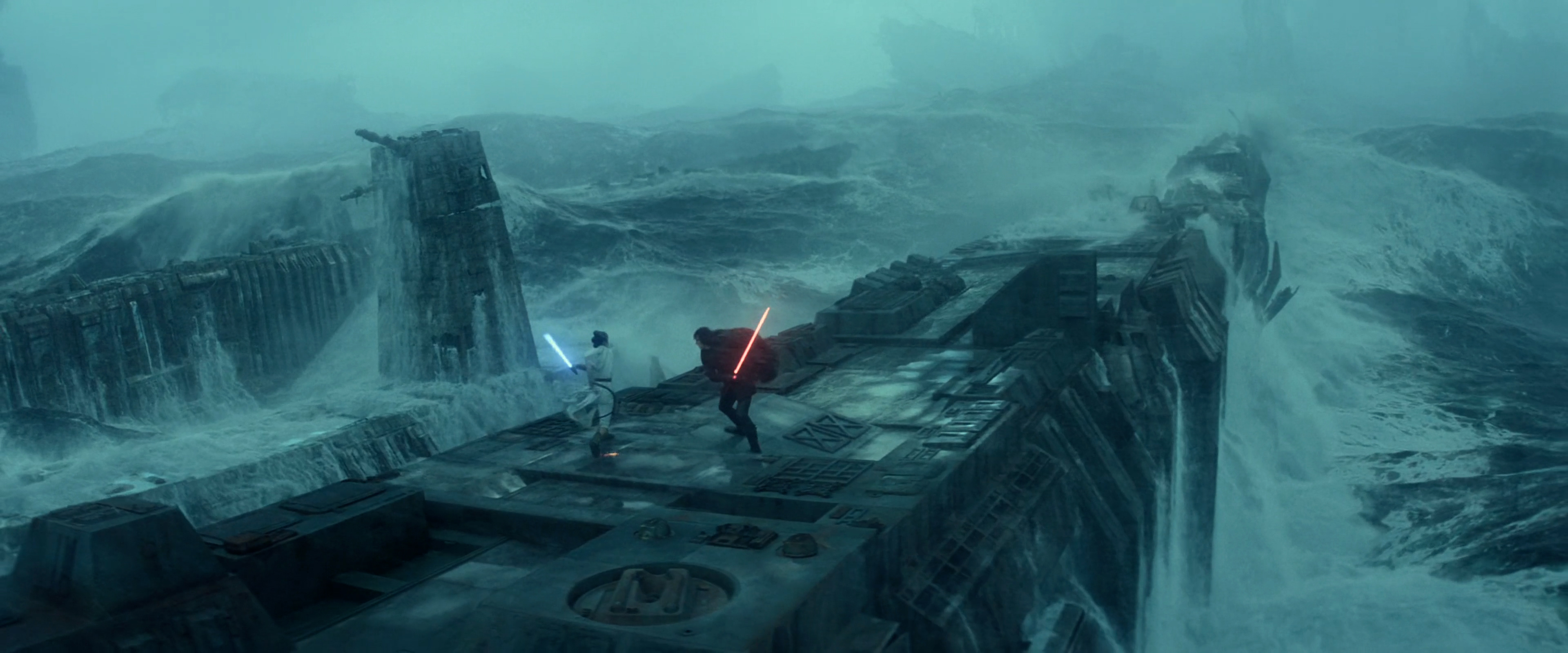
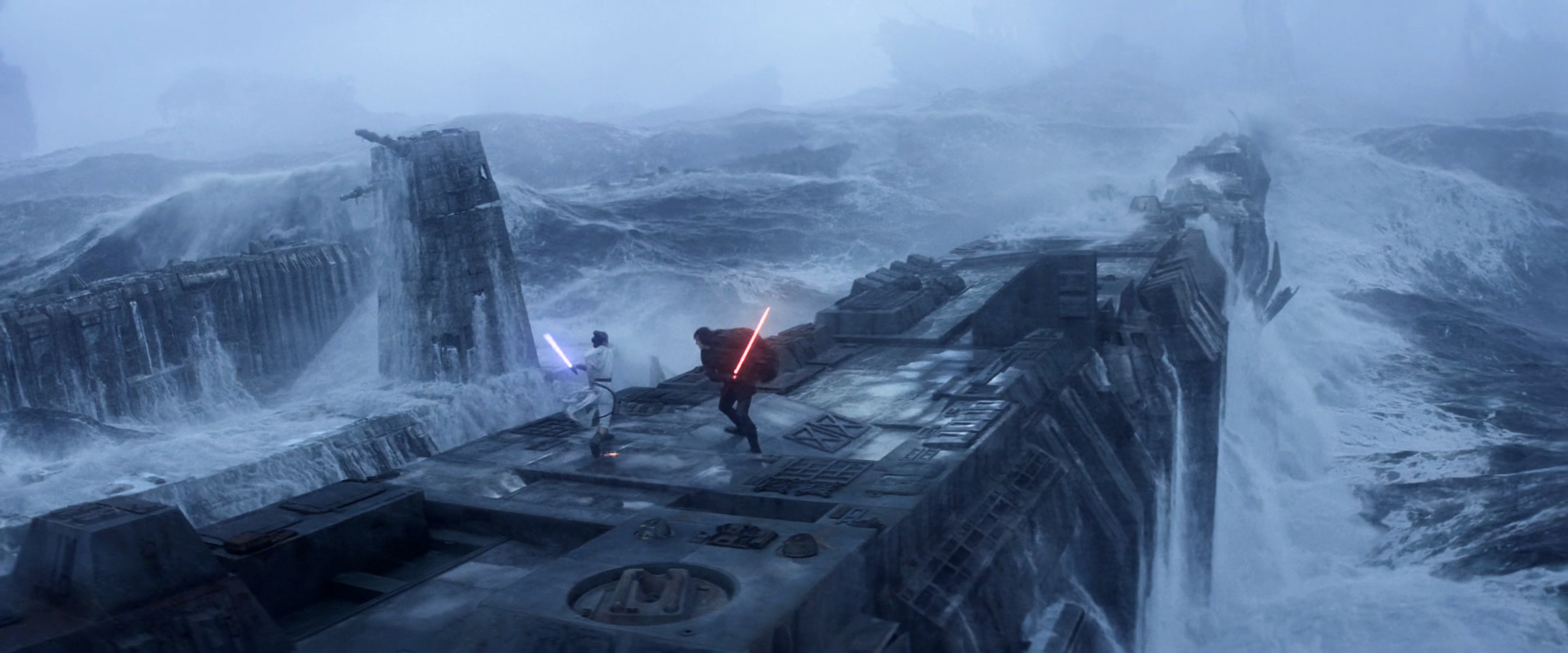
So... I started on the export.
But...
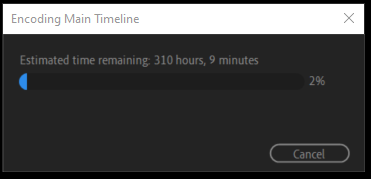
It is going to take 12 days! Yeah, I am not going to do that. It is like this because it is a software export. Hardware exports tend to crash[/dash]a lot. All my previous exports were software exports, but never have they been twelve days.
So I have been attempting to solve the crash problem. First I tried reducing the load by pre-exporting the After Effects sequences instead of relying on Dynamic Link. But then I found out that prolonged NESTED SEQUENCES cause the hardware export to crash. So now I must un-nest all my nested sequences. Very tedious indeed.
Additionally, this has caused me to research video editors. Apparently, Premiere Pro is the most flexible, but as a result prone to problems. Avid Media Composer is the most reliable, but very tedious to work with. Da Vinci Resolve is somewhere in the middle. Indeed, I might switch to Resolve if I ever edit any videos again after this. I like the work-flow in Premiere, the timeline is snappy, but the problems are numerous and the color grading is inefficient.
While working on these very time-consuming issues, I keep finding minute improvements I can make to the edit itself. I have improved the dialogue, the soundtrack, but most of all the color grading is something that can endlessly be improved. As such I have resolved to only eliminate the most problematic instances of said color grading. The main problem is that some parts look too purple, but in a manner that is very difficult to eliminate. Because of the persistent purplenesses I have applied adjustment layers throughout the entire edit, but I had gone way too far in doing so, dulling the colors, and still purple sequences remained. More recently, I have been dialing back the effects of the adjustment layers, but it is truly a terrible process that drains me of life. Hence once again: Da Vinci Resolve. No More "Lumetri Color"!